01 / PHOTO COLOR
Choose PresetCan for still photos.
Explore film-inspired color, make adjustments and finish with a frame. Compare the same-source sample above.


 Try PresetCan
A GUIDE BY PRESETCAN · COLOR.IO ALTERNATIVE
Looking for a new home for film-inspired photo color? PresetCan brings presets, color adjustments and frames to your browser. Open a photograph, shape your look and export it.
Try PresetCanSee what fits your workflow ↓
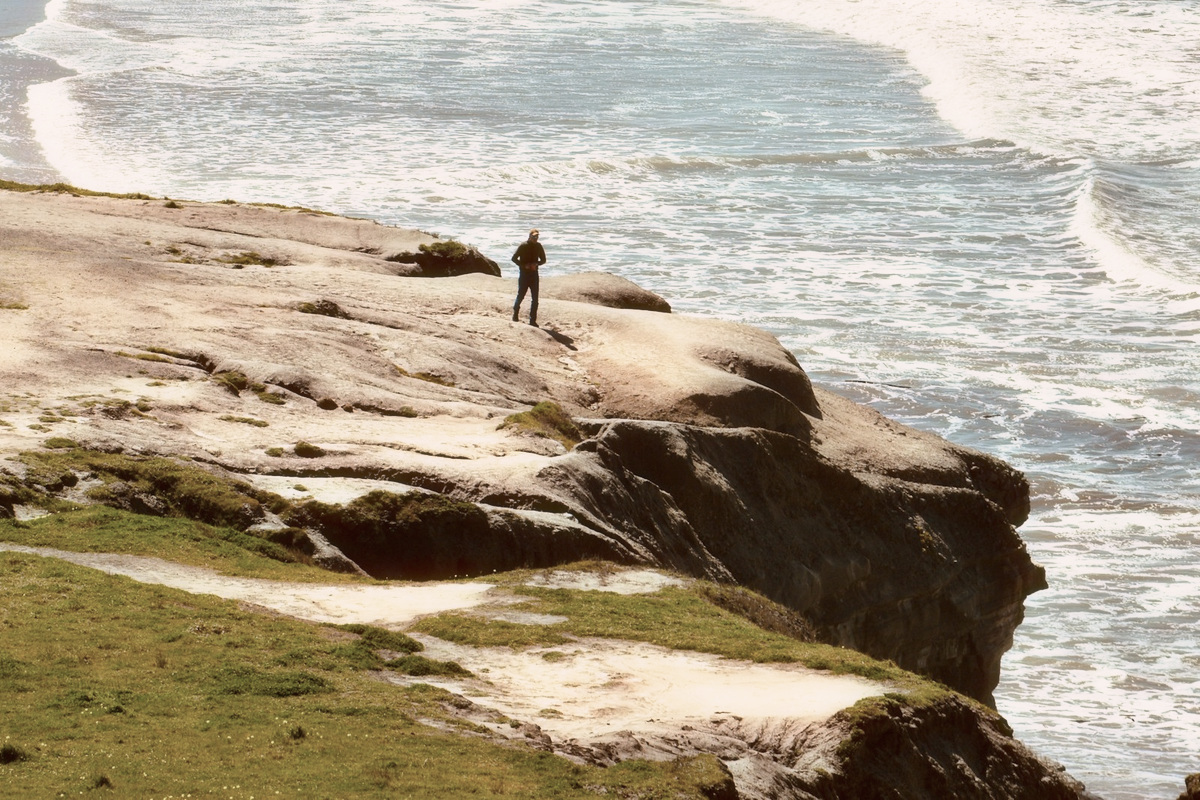
Same source photograph, two real PresetCan renders. Photography by Albijona.
Compare the former Color.io workflow with PresetCan today. Start with the tools you actually use: photo color, RAW files, LUTs and finished-photo export.
| Feature | Color.io · former workflow | PresetCan · current web |
|---|---|---|
| Access today | Online service ended 31 December 2025. Existing legacy offline copies may still be usable. | A web editor you can use today. Sign in to open a photo; see current plans and AI credit terms. |
| Photo formats | RAW photo development in the former app. | JPEG, PNG, WebP and supported RAW files. Up to 40 MB per file; RAW decoding is limited to 32 megapixels. |
| Film color and control | Film emulation and color controls in the former app. | Film-inspired presets, tone and individual color adjustments, plus photo frames. |
| 3D LUT workflow | 3D LUT authoring for photo and video workflows. | No 3D LUT export or Color.io preset import. Choose PresetCan for finished photographs. |
| Photo export | Use exports you already saved or your own legacy offline copy. | JPEG or PNG. Standard export uses a 2048 px photo edge; Pro or completed AI Color Match enables original-size photo export, within memory limits. |
| Photo processing | Legacy desktop editing runs offline. | Standard edits run locally. AI Color Match sends reduced working copies for analysis. |
Reviewed 7 October 2026. Color.io describes a former workflow; PresetCan capabilities reflect the current web editor.
01 / PHOTO COLOR
Explore film-inspired color, make adjustments and finish with a frame. Compare the same-source sample above.
02 / YOUR WORKFLOW
Open supported RAW files in PresetCan. If you need video grading or 3D LUT output, keep a dedicated tool alongside it.
03 / YOUR PHOTOS
Bring your original photo or a saved image export. Color.io project files and preset settings do not transfer into PresetCan.
01 / START
Choose a JPEG, PNG, WebP or supported RAW from your device. Keep an untouched copy of the original.
02 / CREATE
Try film color, adjust the tone and finish with a frame. Rebuild your look from the photograph; project settings do not transfer.
03 / SAVE
Save a JPEG or PNG. Standard and original-size export depend on your account and workflow; check the dimensions in the export preview.
Its online service closed on 31 December 2025. This page helps you continue photo editing with PresetCan.
A legacy offline edition was provided for Pro users, without future updates. If you already have a copy, it is separate from the closed web service.
For film-inspired still-photo color, supported RAW files and frames, it is a workflow worth trying. It does not replace Color.io’s 3D LUT or video grading workflow.
The shutdown announcement said accounts and cloud projects would be deleted. PresetCan cannot recover that data or import Color.io project files. Start from originals or exports you already saved.
Yes, supported RAW files decode in your browser. The file limit is 40 MB and RAW decoding is limited to 32 megapixels. If a camera format fails, develop it elsewhere and open a JPEG or PNG.
PresetCan currently exports finished JPEG or PNG photographs, not 3D LUTs. Keep a dedicated LUT tool if you need to move grades into a video editor.
Standard editing happens locally. AI Color Match uploads reduced working copies for analysis; the resulting look is applied locally. Read the privacy policy for details.
Sign-in is required to edit. Plan benefits and AI credits depend on your account; check PresetCan pricing for current access, export options and purchase availability.
Try the workflow on a photo of your own. Sign in to continue into the editor.
Try PresetCan